01 /
Follow the road, not the menus.
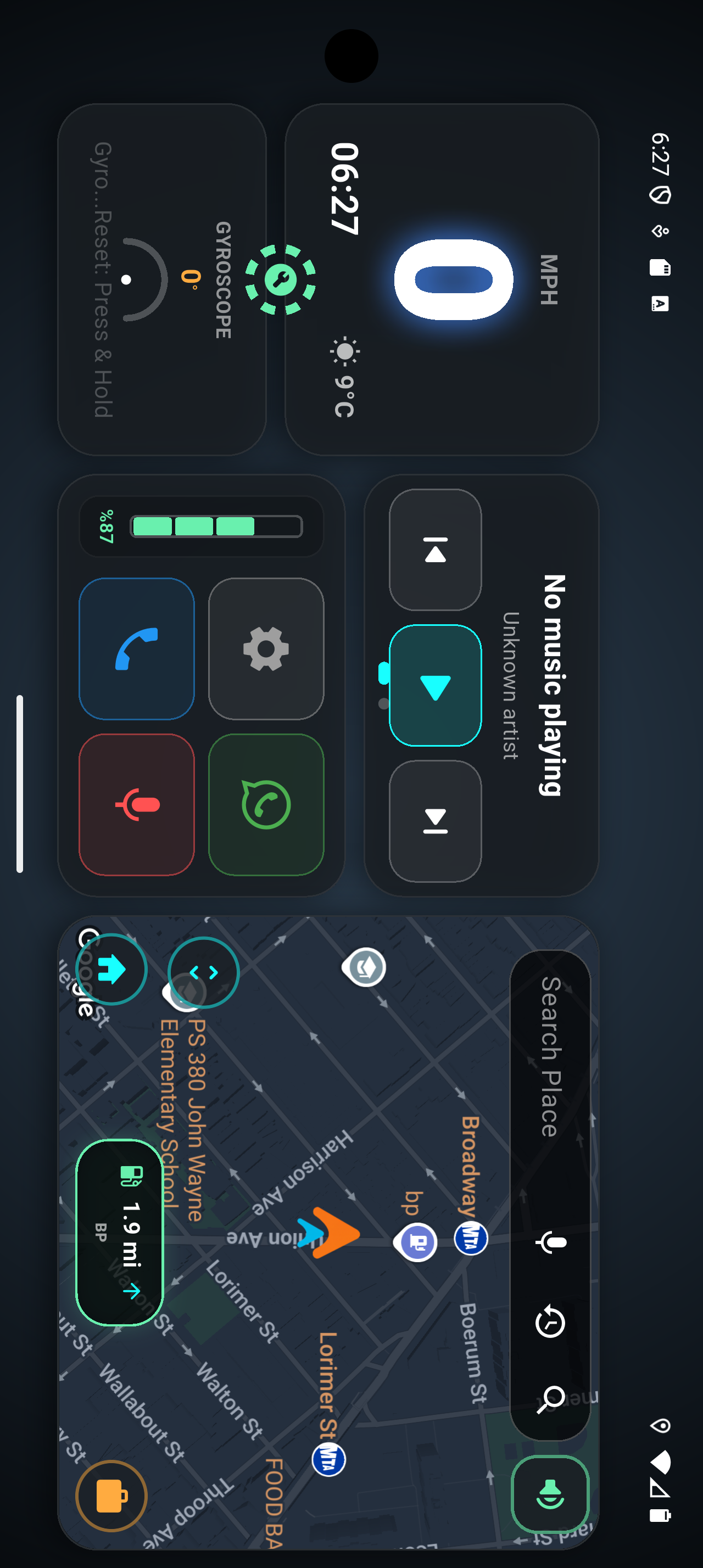
Google-powered maps and routes. Clear direction signs, a larger map when you need it, and a choice of brief or detailed voice guidance.
 MOTO RIDE OS
Hybrit Interface
Moto Ride OS turns your phone into a premium hybrid interface with voice control, navigation, alerts, music, safety, and weather.
01 / THE RIDING EXPERIENCE
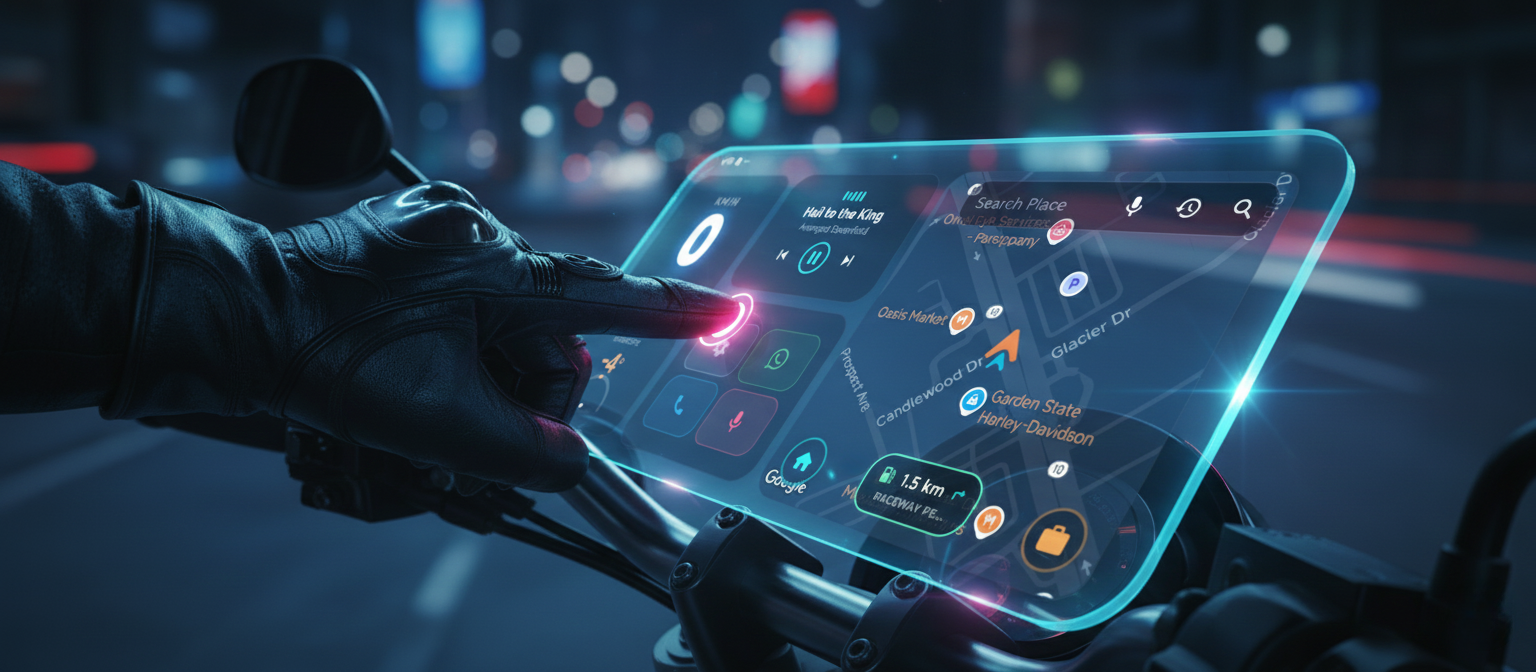
From the first turn to the last parking spot. Useful riding tools, brought together in one view.
Google-powered maps and routes. Clear direction signs, a larger map when you need it, and a choice of brief or detailed voice guidance.
Start a track in your music app, then control playback from the cockpit. Designed with larger, easier-to-reach buttons.
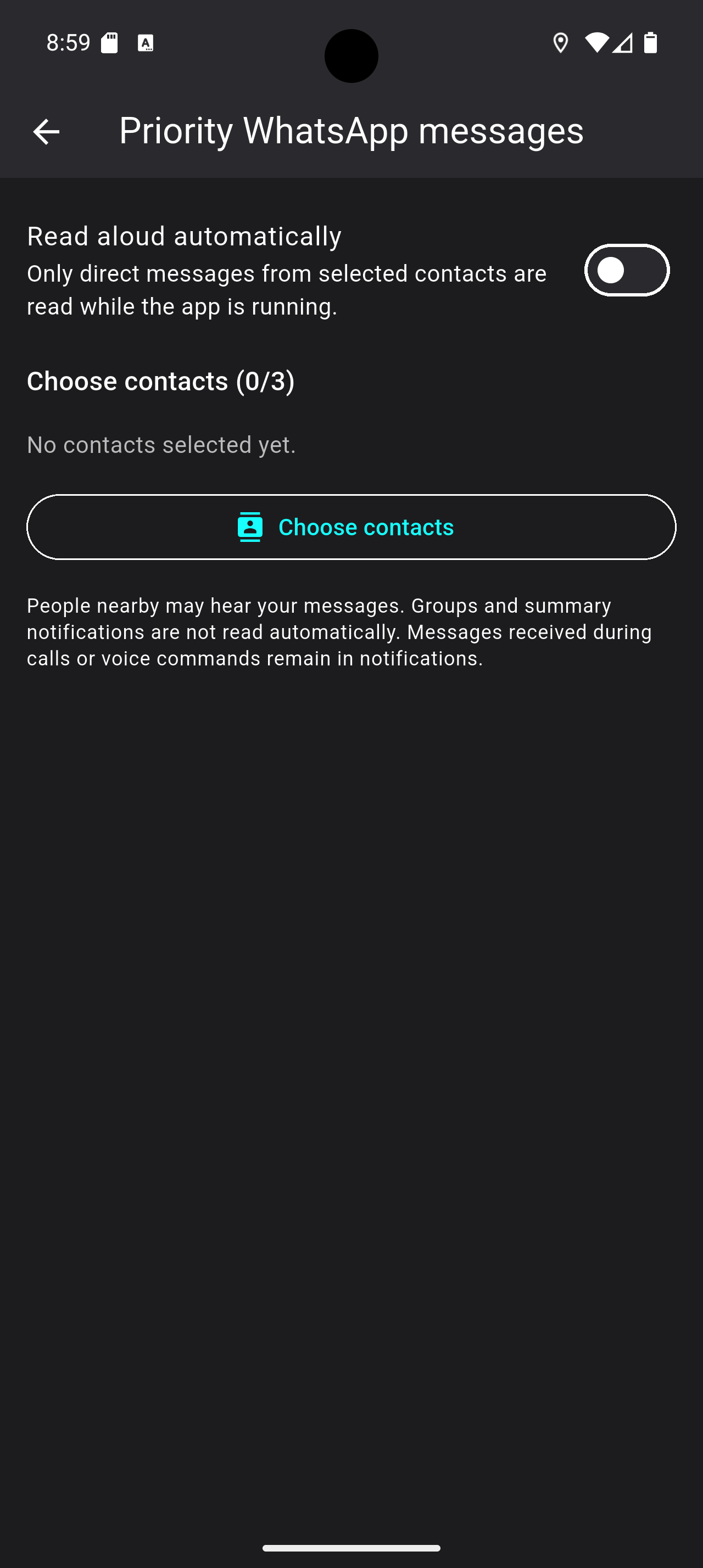
Recent calls, contacts and a dial pad. Premium adds WhatsApp read-aloud, including automatic reading for selected contacts.
Record your journeys, review ride statistics and save your parking location at the end of a ride.
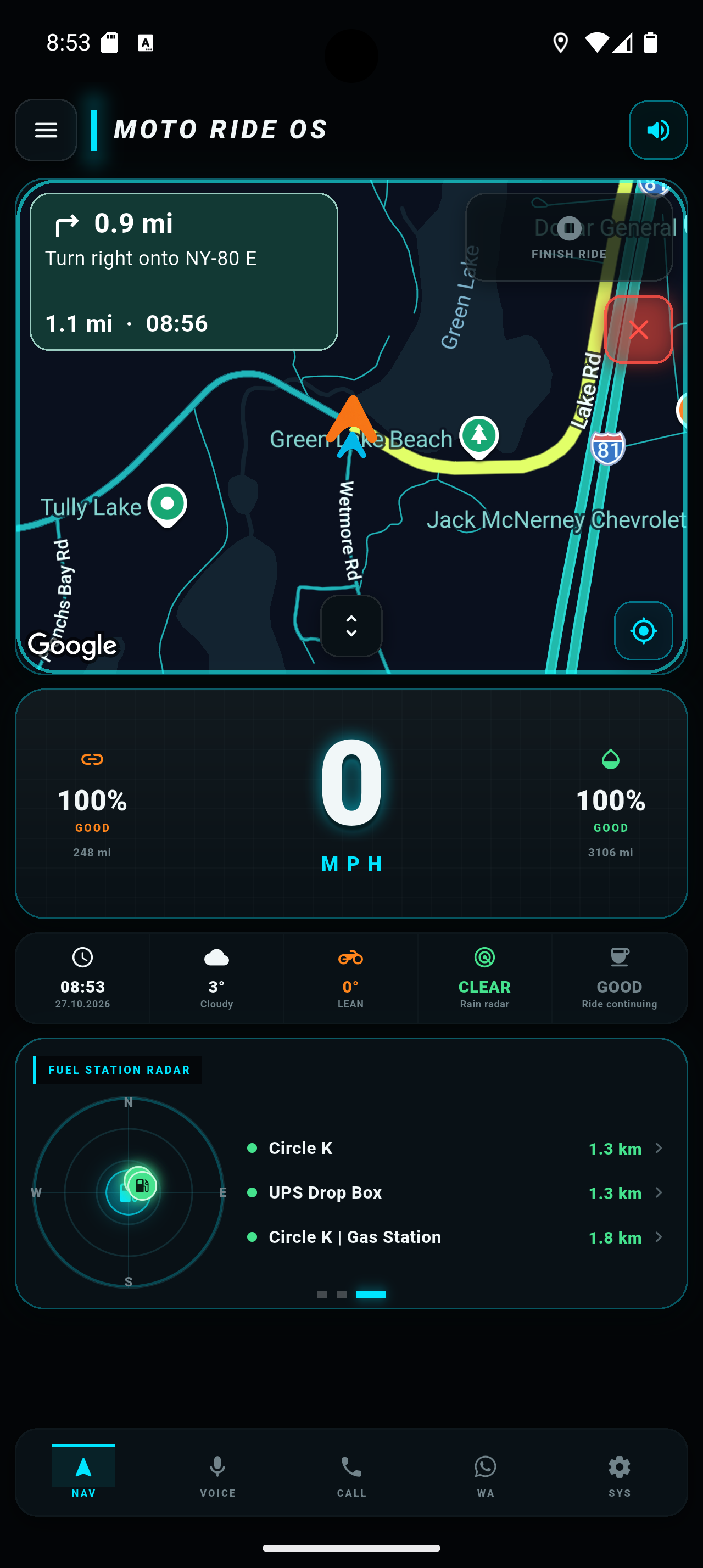
Weather, nearby fuel stations and available road alerts help you plan your next stop. Data availability varies by service and location.
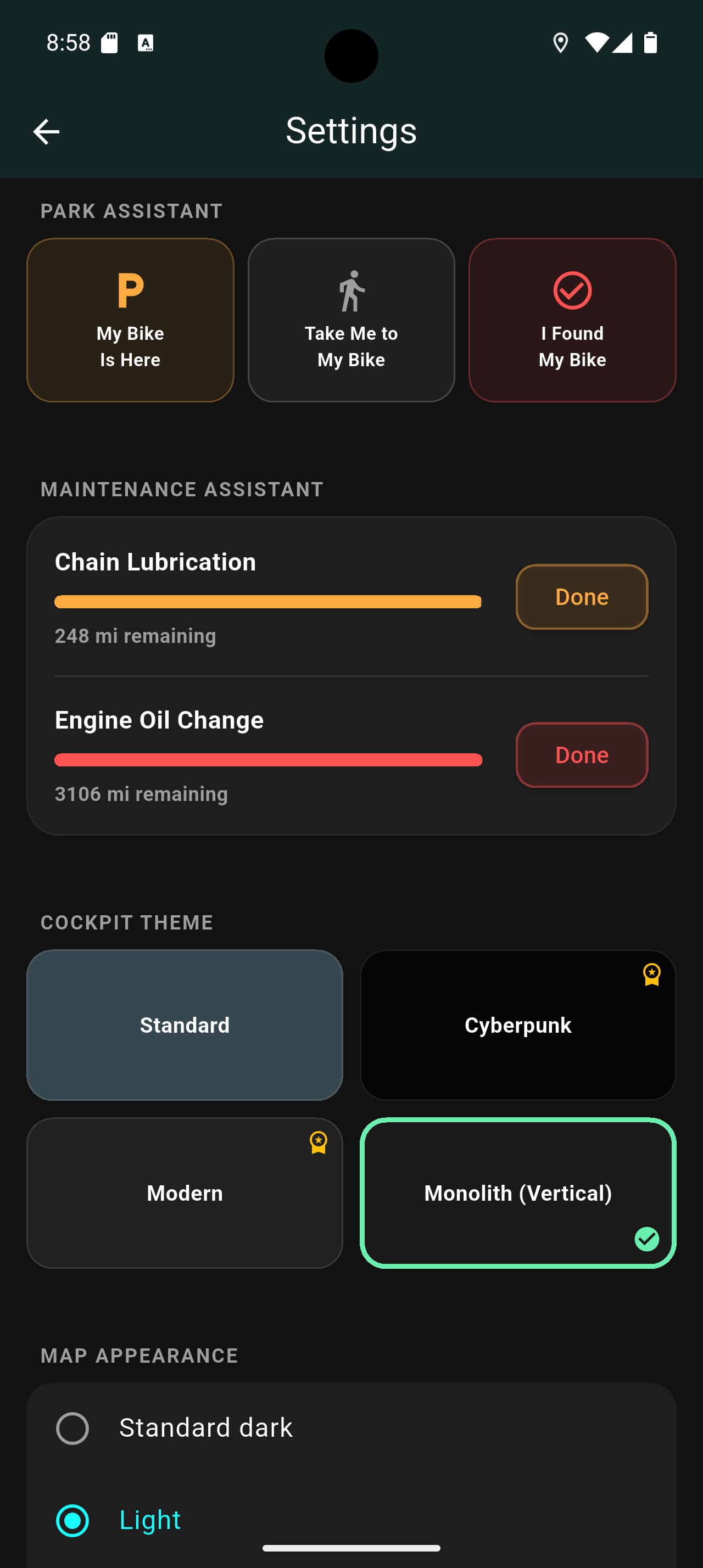
Keep track of chain lubrication and oil maintenance. Choose kilometres or miles to match the way you ride.
 Illustrative riding visual
MOTO RIDE OS
Start a track in your music app, then control playback from the cockpit. Designed with larger, easier-to-reach buttons.
First start playback in YouTube Music, Spotify, Apple Music or another supported player. Moto Ride OS controls the active player; it does not supply music or replace a music subscription.
02 / FOUR DIFFERENT PERSPECTIVES
Choose a layout that suits your mount and your style. Switch between landscape dashboards and the portrait-focused Monolith.
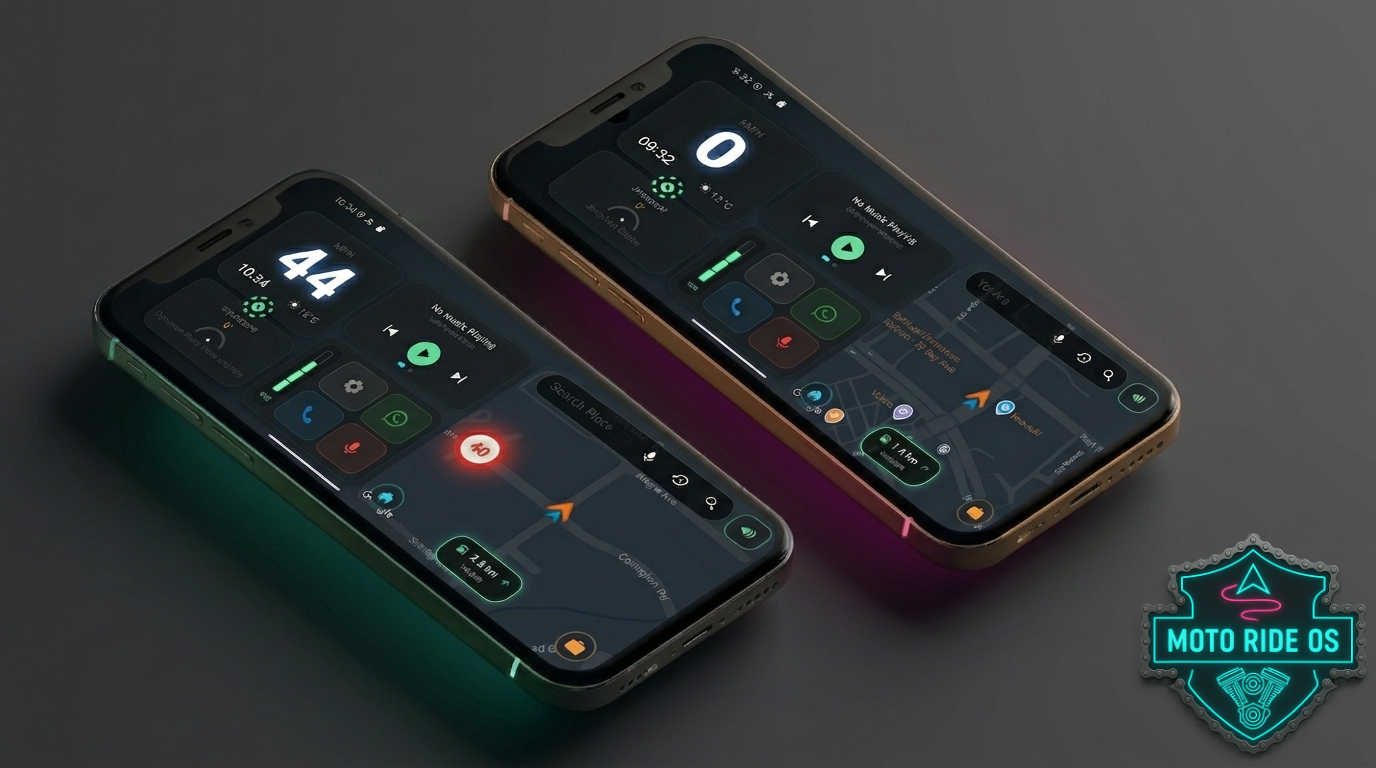
A familiar instrument panel. The essentials, clearly arranged.
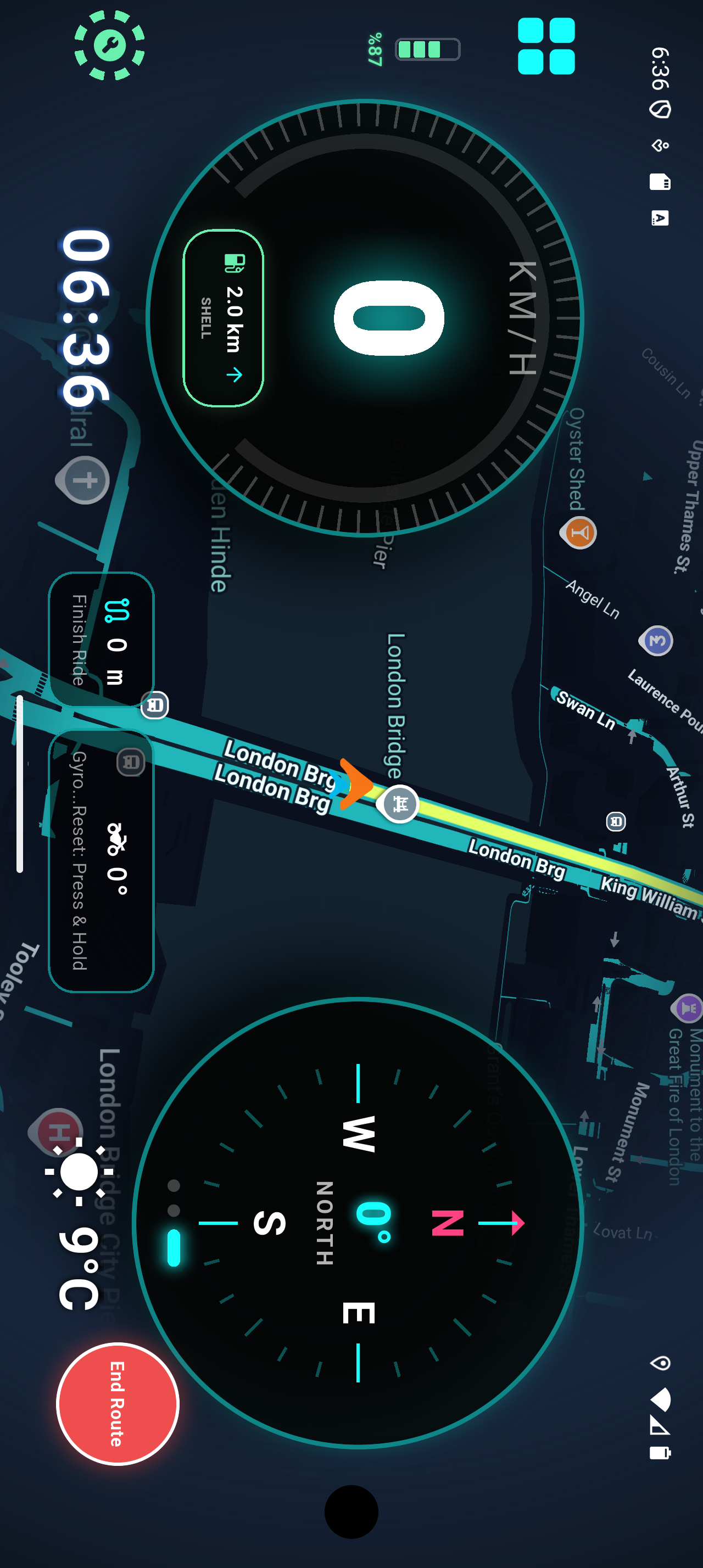
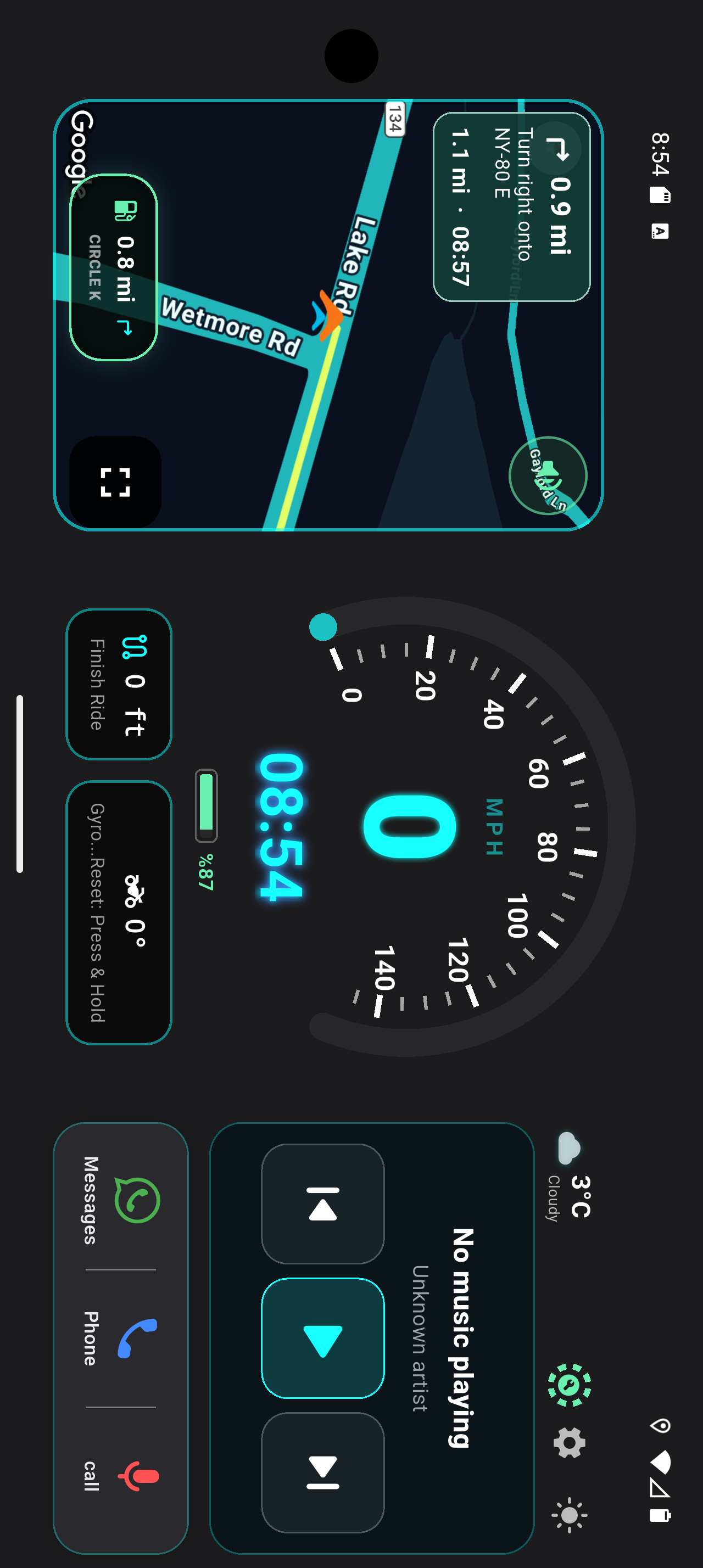
A vertical cockpit with room for the route ahead.
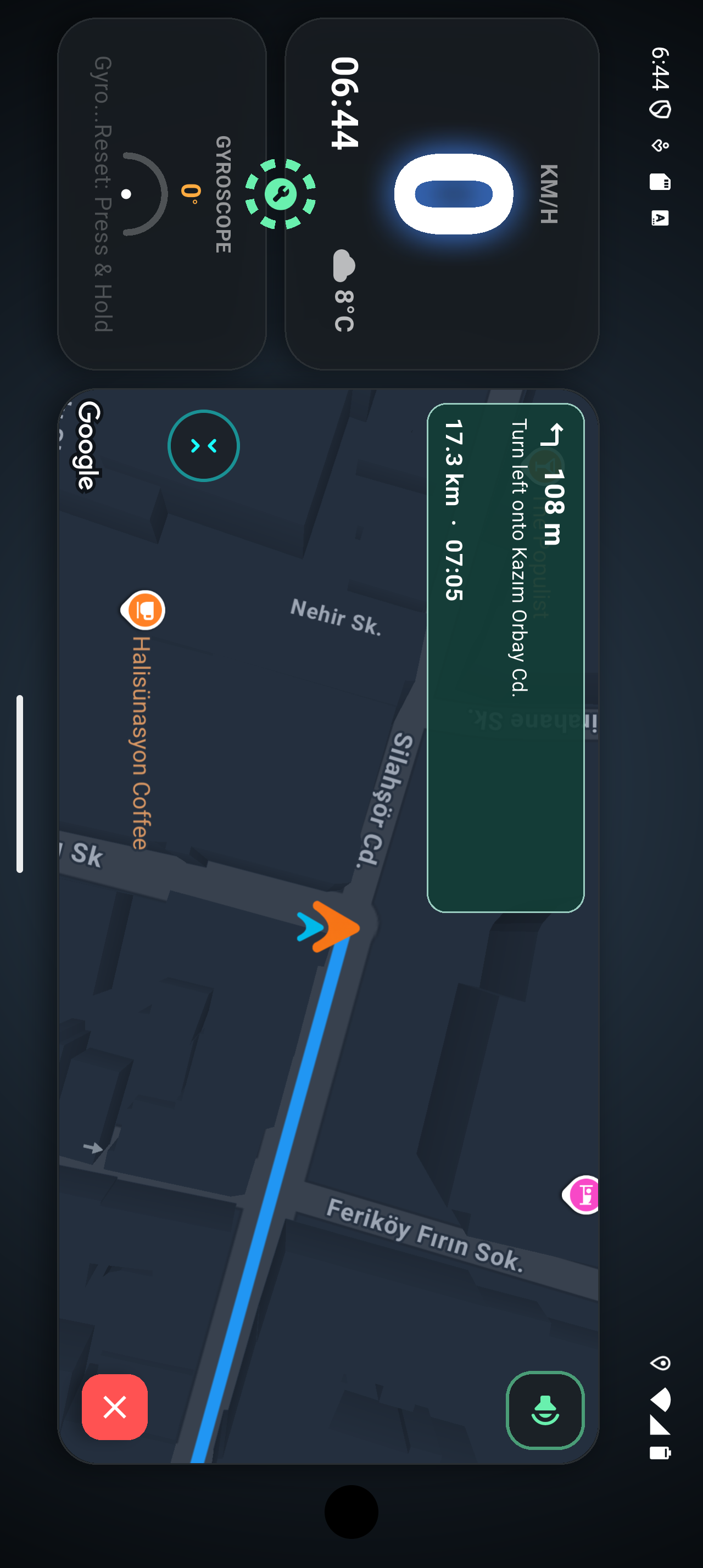
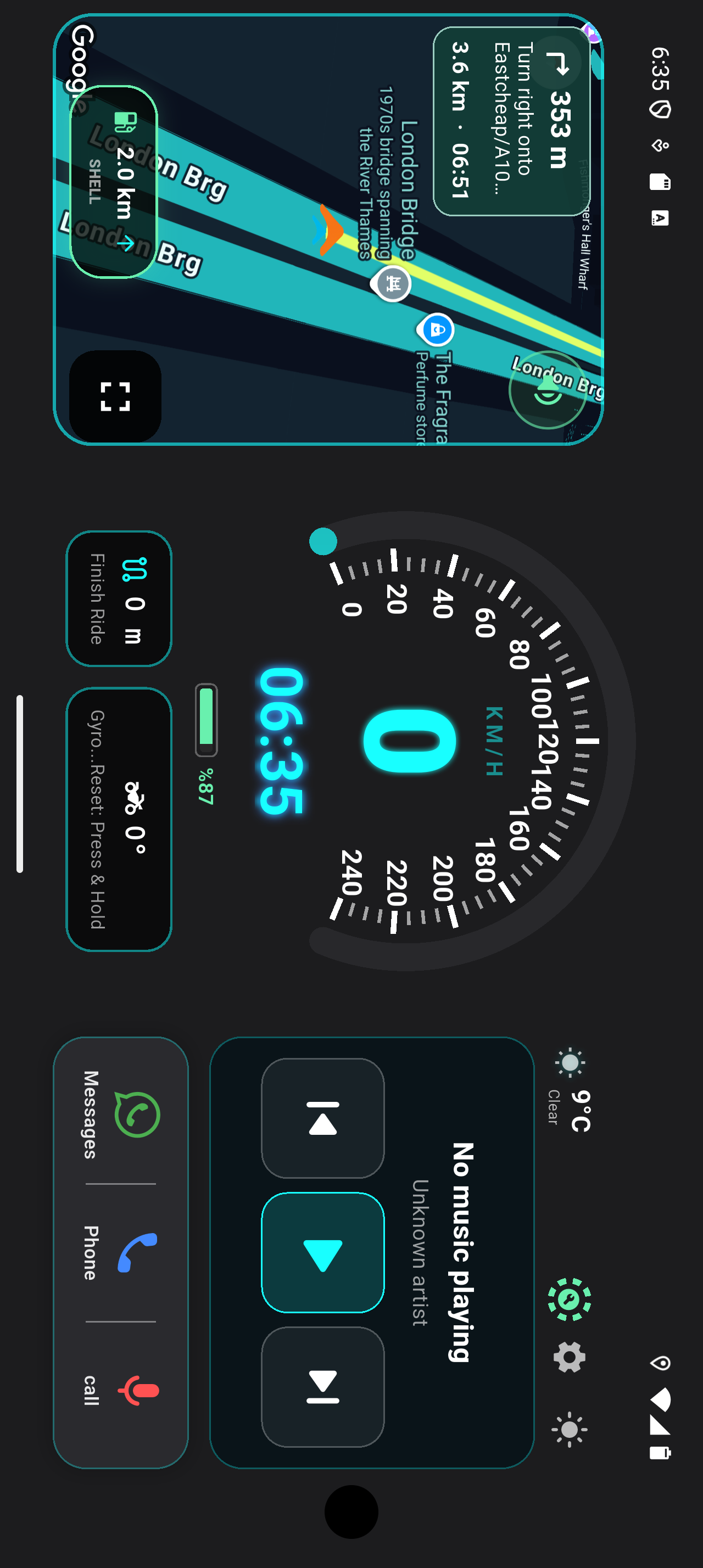
A clean, modular dashboard with an expandable map.
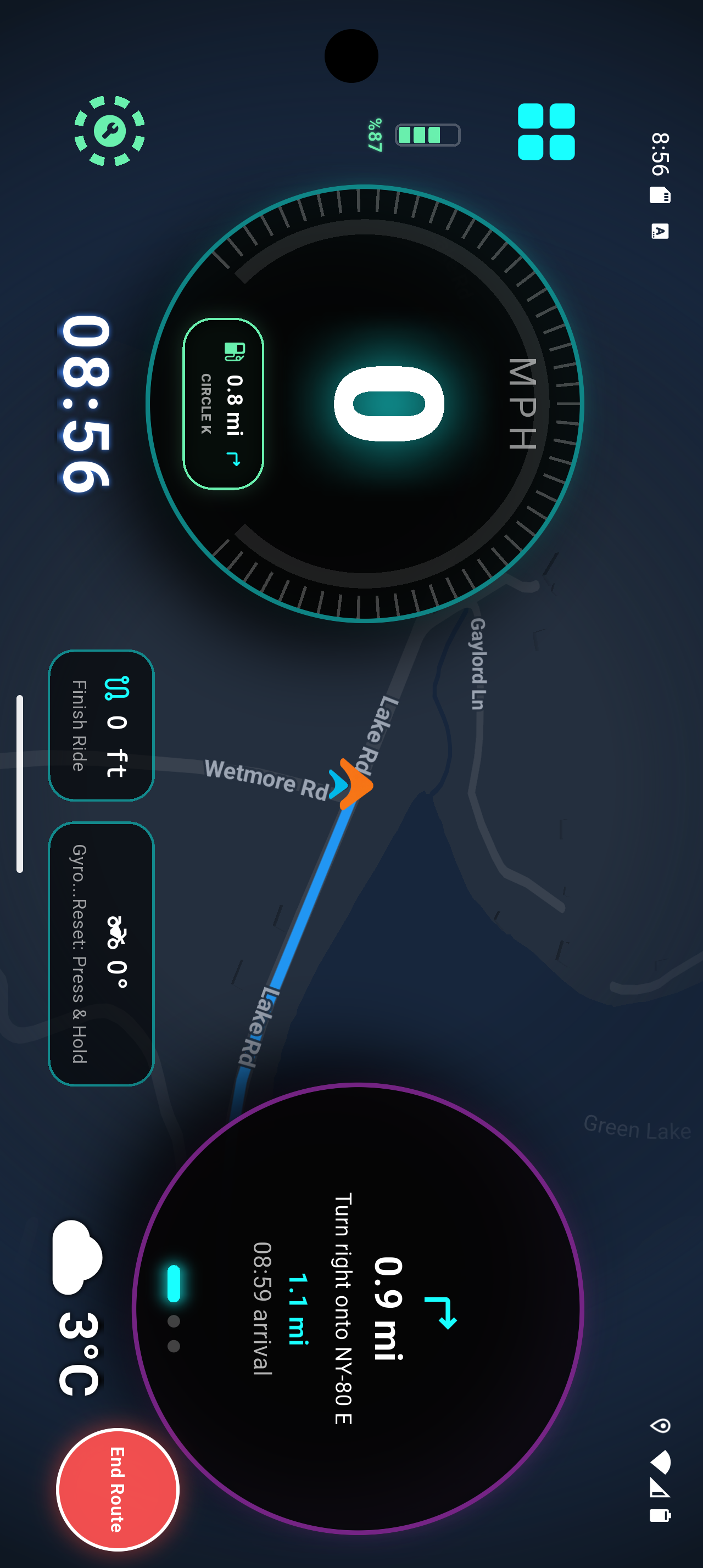
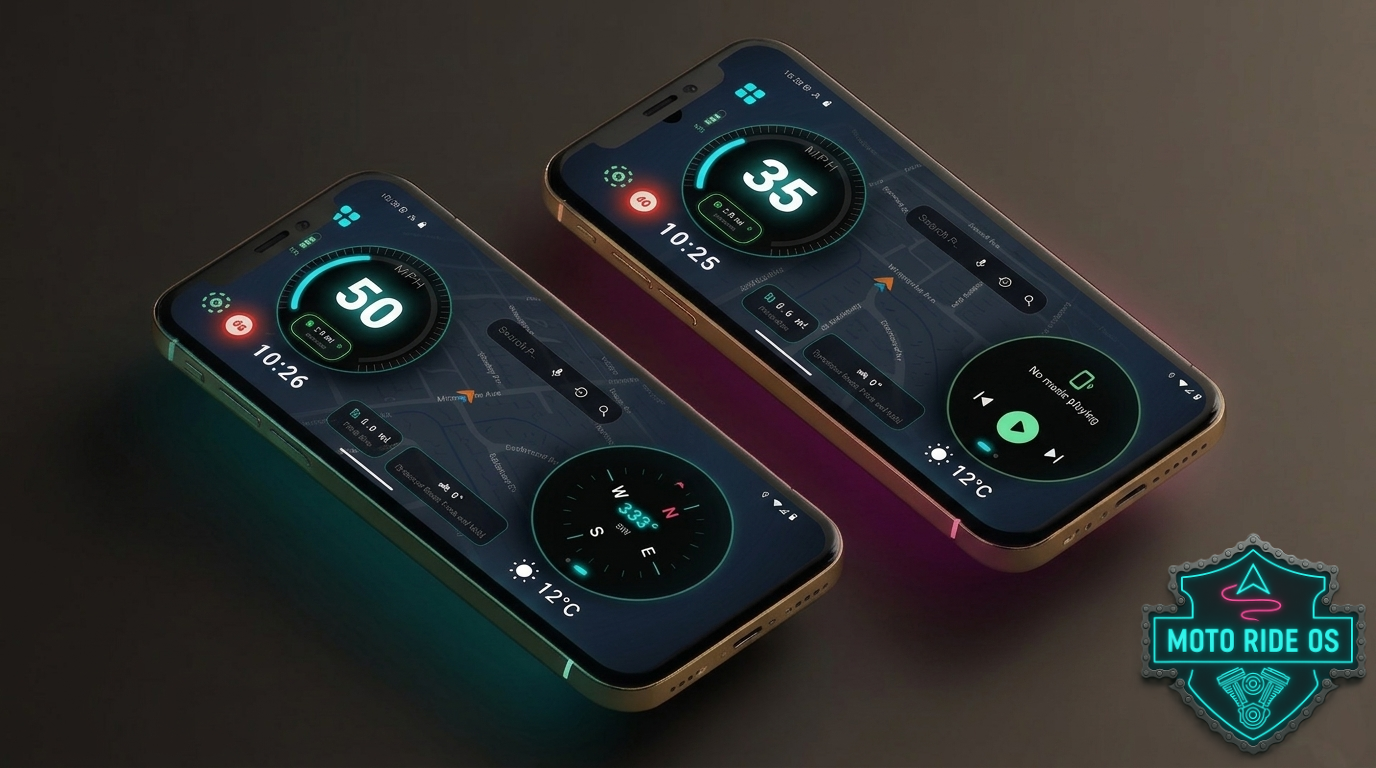
Circular instruments. A distinctive night-riding aesthetic.
Select a theme to explore its actual app screen. Actual app screen. Layout and features depend on your plan.
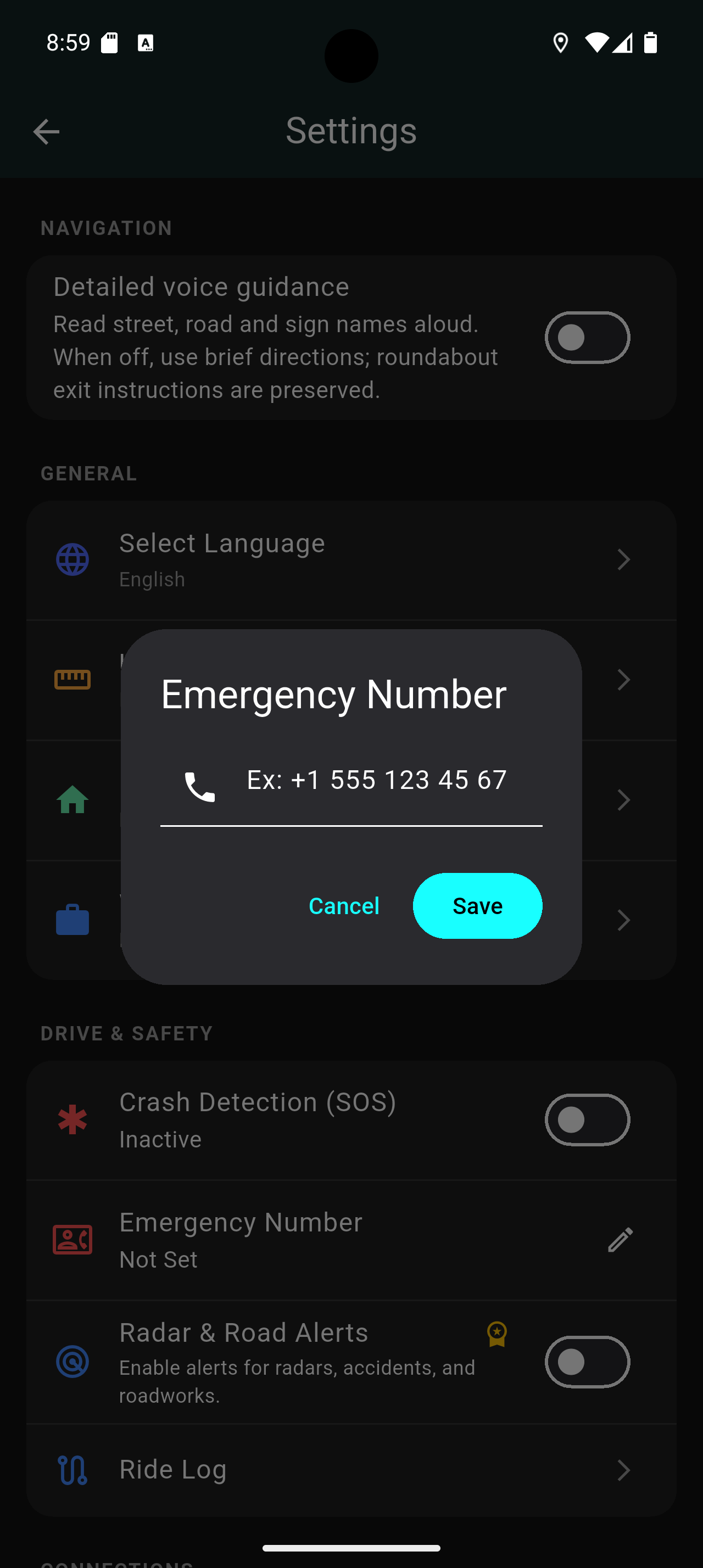
A SAFETY TOOL, WITHOUT A PAYWALL
Set up an emergency contact and enable the required permissions. A suspected crash starts a cancellable countdown before an SMS is sent to your saved contact.
Requires compatible sensors, SMS service and permissions. Detection and delivery cannot be guaranteed. Not a replacement for emergency services.03 / CHOOSE YOUR RIDE
A complete starting point for your riding cockpit.
More ways to personalise your cockpit and connect.
Current subscription options, local prices and trial eligibility are shown in the app and on Google Play before purchase.
04 / BEFORE YOU SET OFF
An intercom is optional. Your Android phone and Bluetooth device manage the audio connection. Compatibility and available controls depend on your device.
First start playback in YouTube Music, Spotify, Apple Music or another supported player. Moto Ride OS controls the active player; it does not supply music or replace a music subscription.
Maps and routes use Google services. Weather uses OpenWeather. Road information may use TomTom, HERE or OpenStreetMap depending on setup. Internet access and provider configuration may be required.
Moto Ride OS is currently available for Android. This website does not offer an iOS download.
Secure your phone, choose your theme and prepare your route while parked. Calibrate lean with the motorcycle upright. Follow road signs and local traffic rules.

MOTO RIDE OS / ANDROID
Your Android phone. A cockpit that feels at home on your bike.
Get it on Google Play